
TimTime · Mac menu bar time tracker
A time tracker for people who forget to start the timer
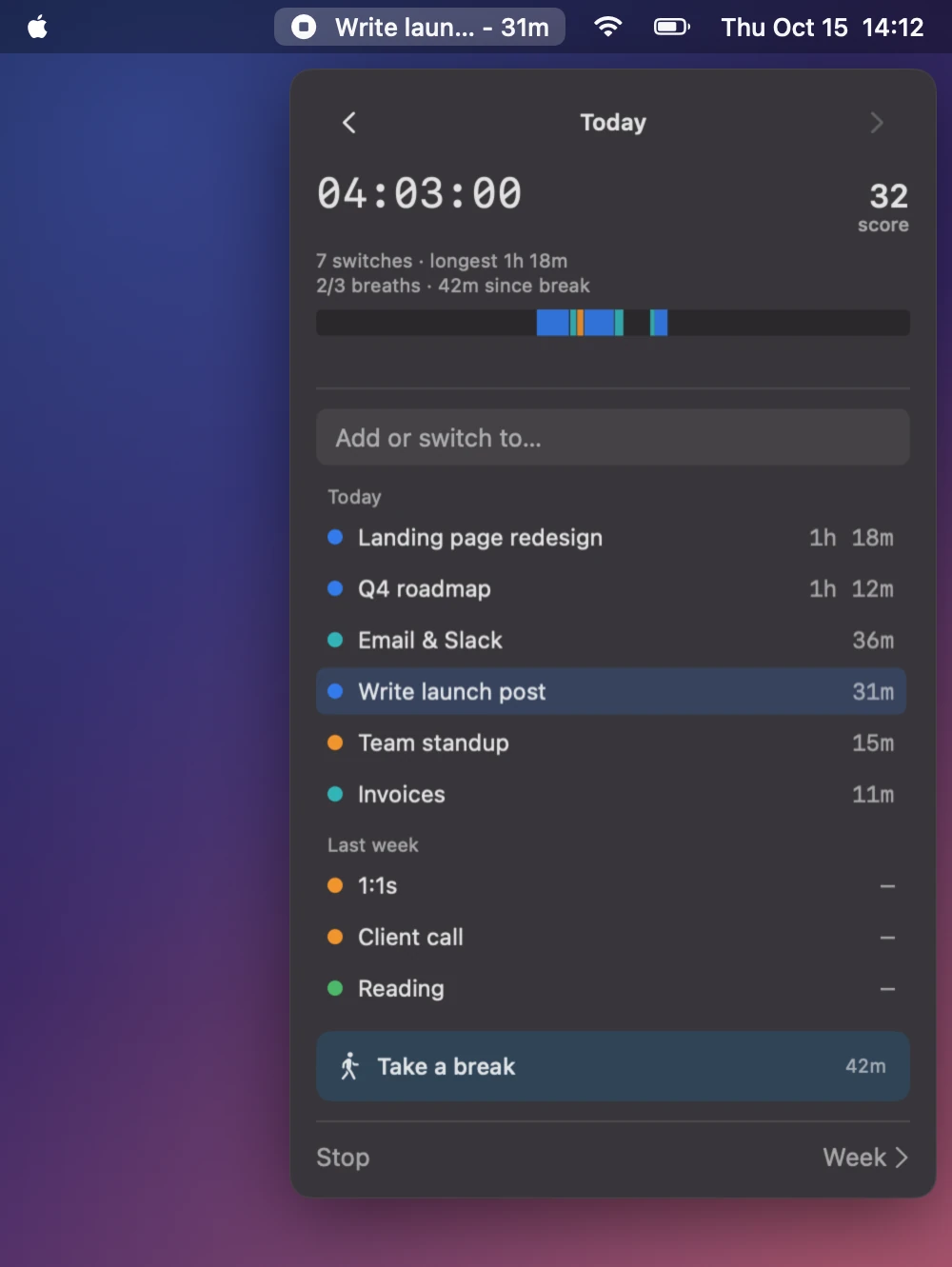
Type what you're working on and it starts. Type the next thing and it switches. Walk away and it stops, at the moment you left. It lives in your menu bar.
One-time purchase · macOS 14+ · signed & notarized
Why it exists
Most time trackers fail in the same two places
You forget to start the timer. Then you forget to stop it. By Friday the numbers are made up.
Nothing to start
Type a task and it's tracking. That's the whole interface.
Nothing to stop
Walk away for 5 minutes and it stops. The end time is when you left, not when you came back.
A real picture of the week
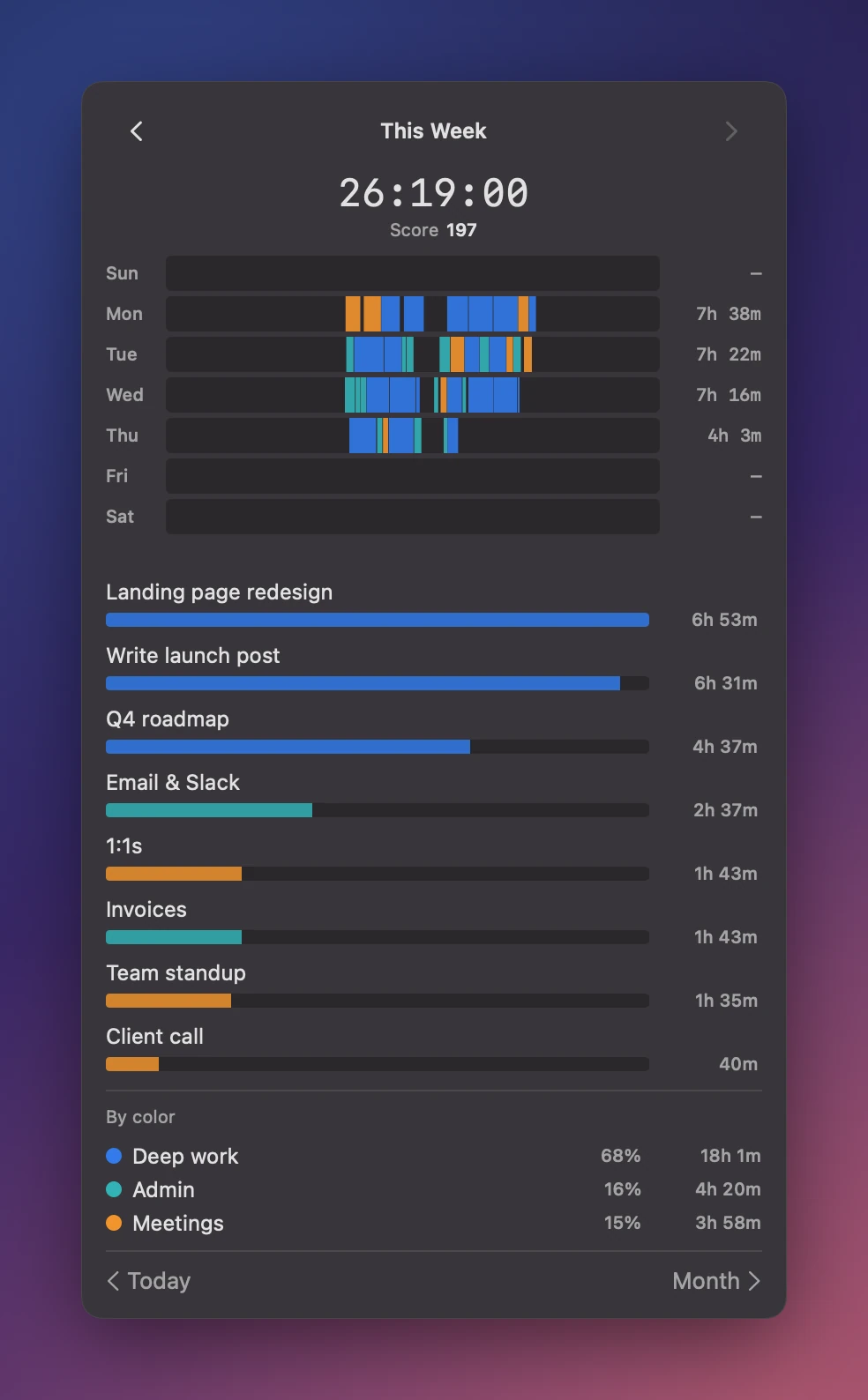
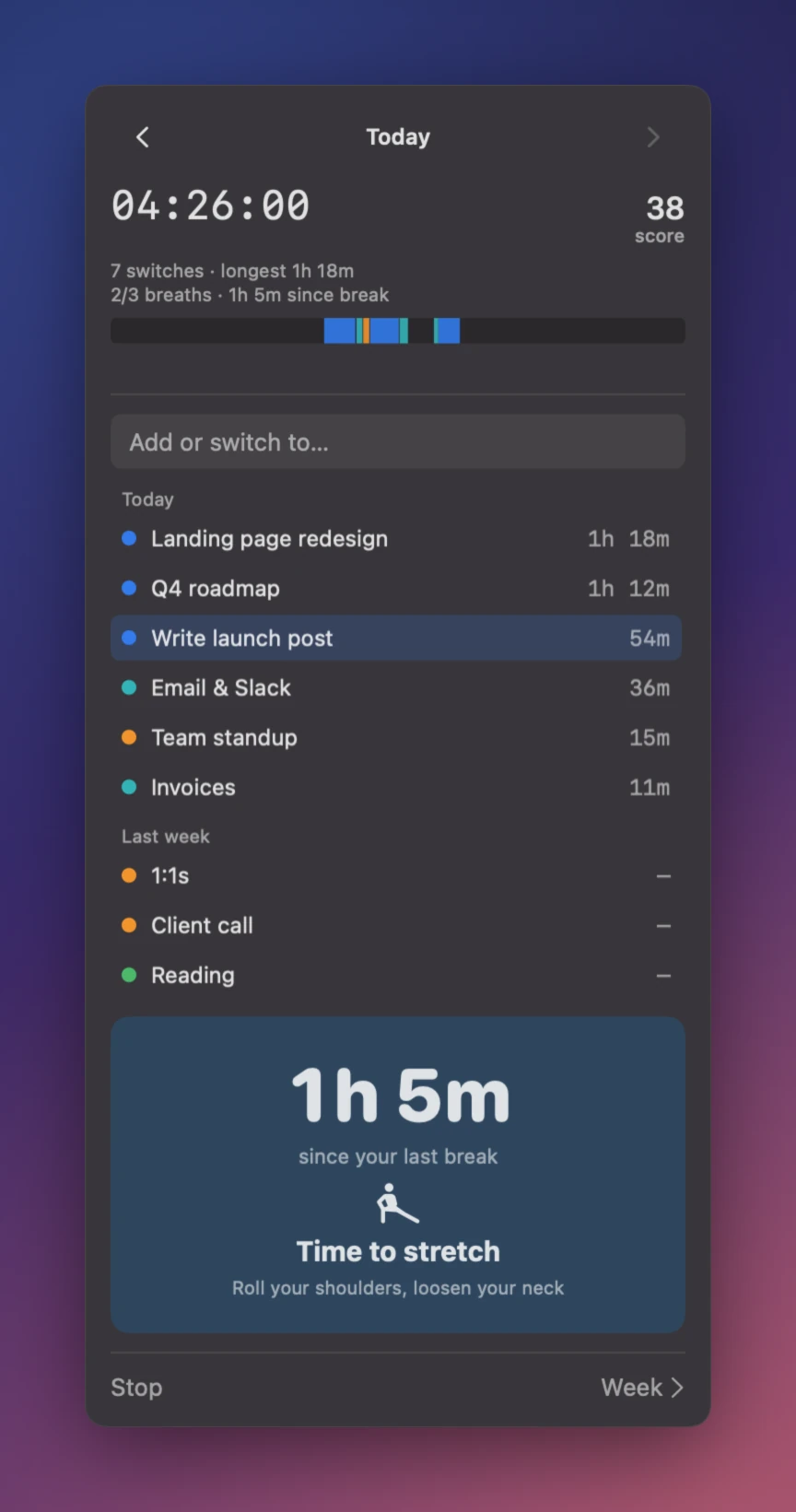
Every day is a strip. Colors show the kind of work. Totals add up by color.
What it does
Tracking that gets out of your way
Six things, all in the menu bar. No app to open and no account to make.
Type to switch
Type a task and press Return. The old one closes and the new one starts. There is no stop button.
Knows when you leave
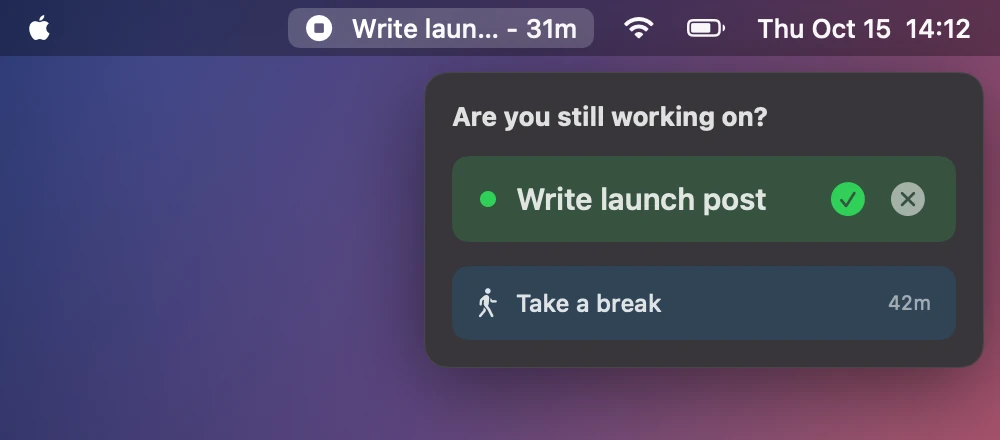
After 5 minutes with no keyboard or mouse, it stops and backdates to your last activity. On a call? A live mic keeps it going.
Colors that add up
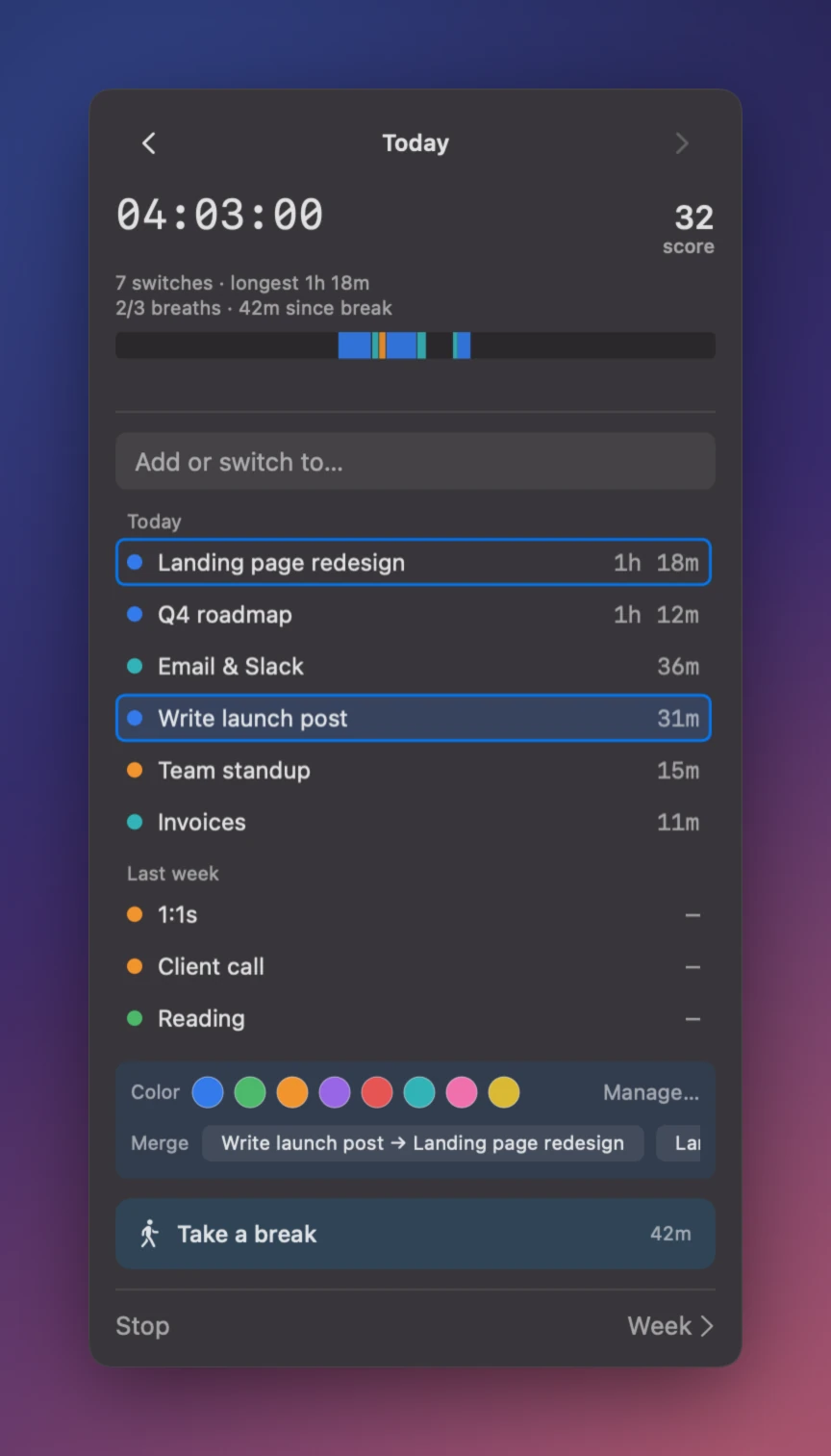
Give your tasks colors like Deep work, Meetings, Admin. Every chart and total rolls up by color. Shift-click to color or merge many at once.
Breaks that stay quiet
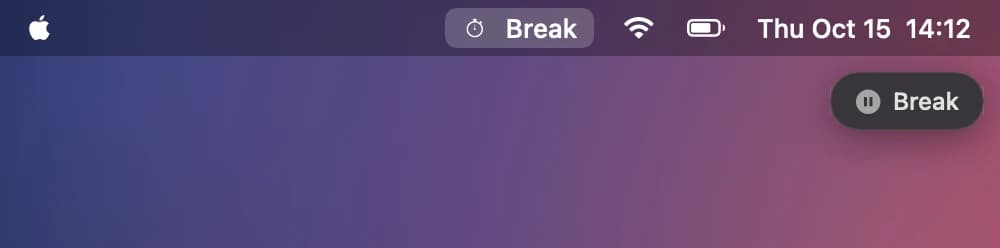
A light check-in at 15 and 30 minutes. A break at 45. Not tracking? A small Break pill sits under the menu bar, so you always know the clock is off.
Day, week, month
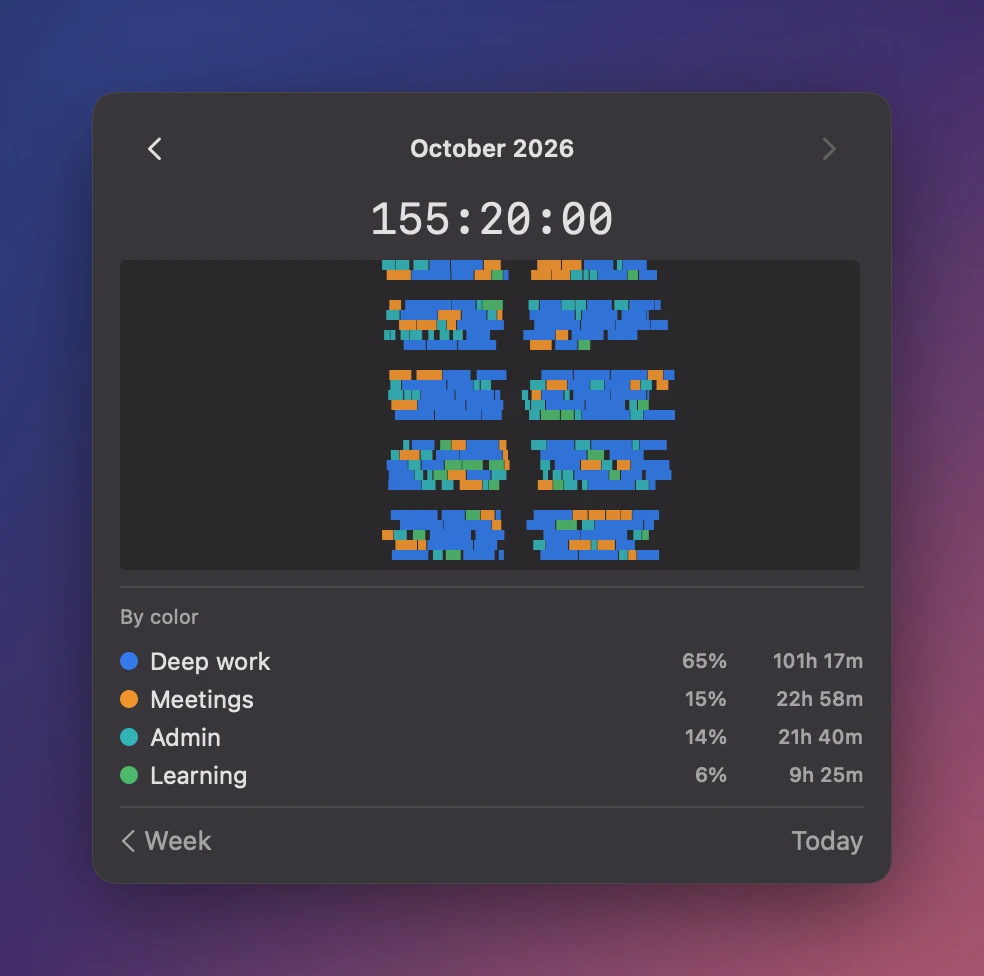
Today's total sits in the menu bar. Open it for a 24 hour strip, a focus score, and per-task totals. Zoom out to the week or the month.
It never reads what you type
To know you left, it asks macOS how long since your last input. Not which key. Not your screen. Your data is a plain file on your Mac. No account, no cloud.
See your time
Where the week actually went
These screens use made-up data. Yours will be less tidy.
It is one person on one Mac
TimTime is small on purpose. It is probably not for you if:
- You need invoices or client reports.
- You want a shared dashboard for a team.
- You want an iPhone app. It is Mac only.
Questions
One-time · no subscription
Pay once. Yours forever, with free updates.
- Signed & notarized DMG
- Auto-updates via Sparkle
- All future 1.x updates
- macOS 14 (Sonoma) or later
Help me make it better
TimTime is new. I use it every day and I'm still changing it. If something is missing or annoying, tell me.
tim@ai-ascend.com